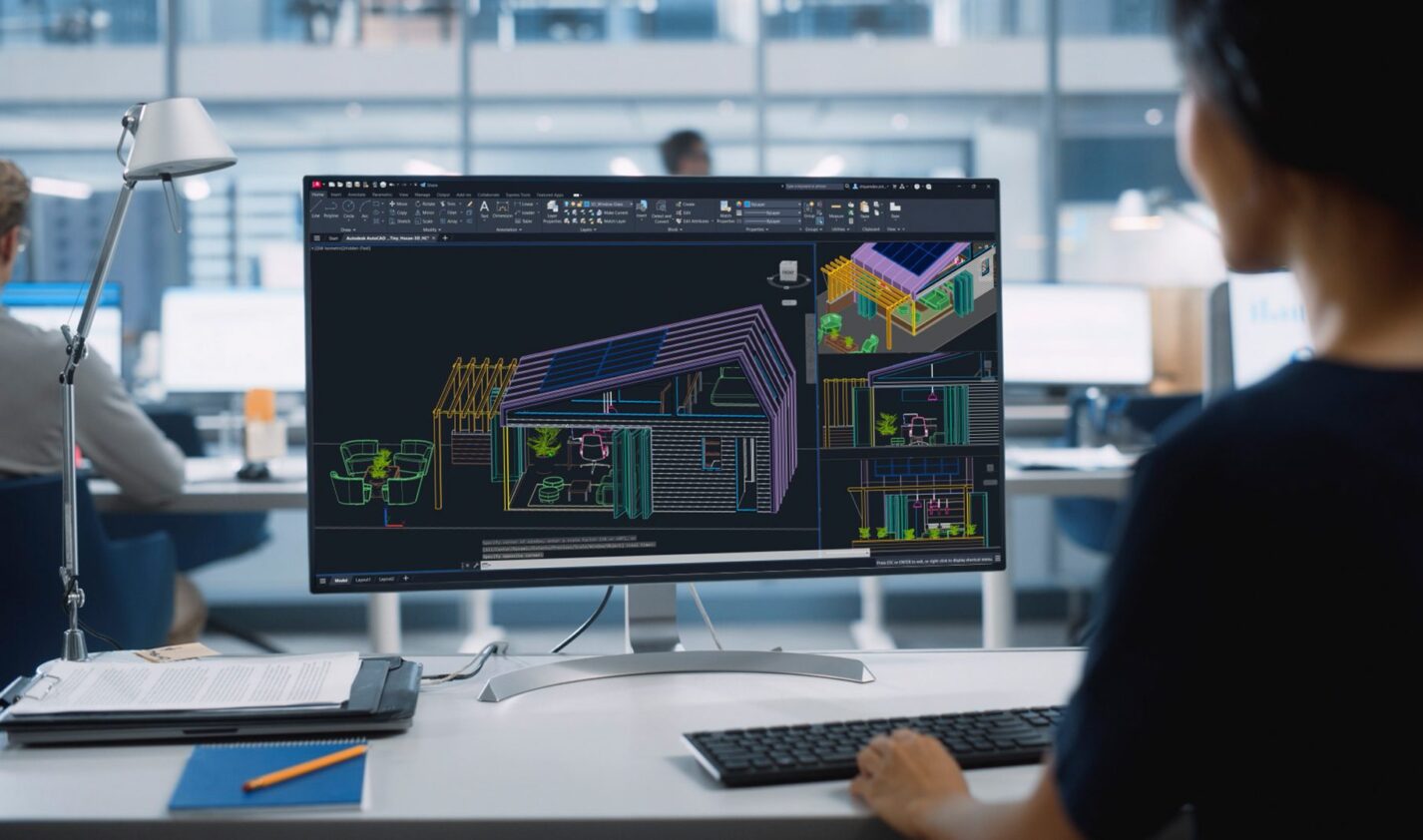
Precision Features in AutoCAD 2026

Learn how to utilize precision features in AutoCAD 2026 for accurate modeling.

rate limit

Code not recognized.

About this course

This course covers the essential precision features available in AutoCAD 2026, which are crucial for ensuring accuracy in your models. You will explore various tools that help in snapping to precise locations and specifying exact angles and distances.

  • Understand Polar Tracking: Learn how to guide your cursor in specific directions using polar tracking for precise point specification.
  • Utilize Locking Angles: Discover how to lock angles for drawing lines at specified angles to enhance accuracy.
  • Master Object Snaps: Gain insights into using object snaps to pinpoint exact locations on existing objects for better precision.
  • Implement Object Snap Tracking: Learn to align points horizontally and vertically from object snap locations to streamline your drawing process.
  • Verify Your Work: Understand how to use the DIST command to measure distances and ensure your geometry is accurate.

Curriculum

  • Understanding Polar Tracking
  • Locking Angles for Accuracy
  • Using Object Snaps Effectively
  • Aligning Points with Object Snap Tracking
  • Verifying Geometry with the DIST Command
  • Precision Features in AutoCAD 2026

About this course

This course covers the essential precision features available in AutoCAD 2026, which are crucial for ensuring accuracy in your models. You will explore various tools that help in snapping to precise locations and specifying exact angles and distances.

  • Understand Polar Tracking: Learn how to guide your cursor in specific directions using polar tracking for precise point specification.
  • Utilize Locking Angles: Discover how to lock angles for drawing lines at specified angles to enhance accuracy.
  • Master Object Snaps: Gain insights into using object snaps to pinpoint exact locations on existing objects for better precision.
  • Implement Object Snap Tracking: Learn to align points horizontally and vertically from object snap locations to streamline your drawing process.
  • Verify Your Work: Understand how to use the DIST command to measure distances and ensure your geometry is accurate.

Curriculum

  • Understanding Polar Tracking
  • Locking Angles for Accuracy
  • Using Object Snaps Effectively
  • Aligning Points with Object Snap Tracking
  • Verifying Geometry with the DIST Command
  • Precision Features in AutoCAD 2026

Unlock your free Autodesk student access

Get products